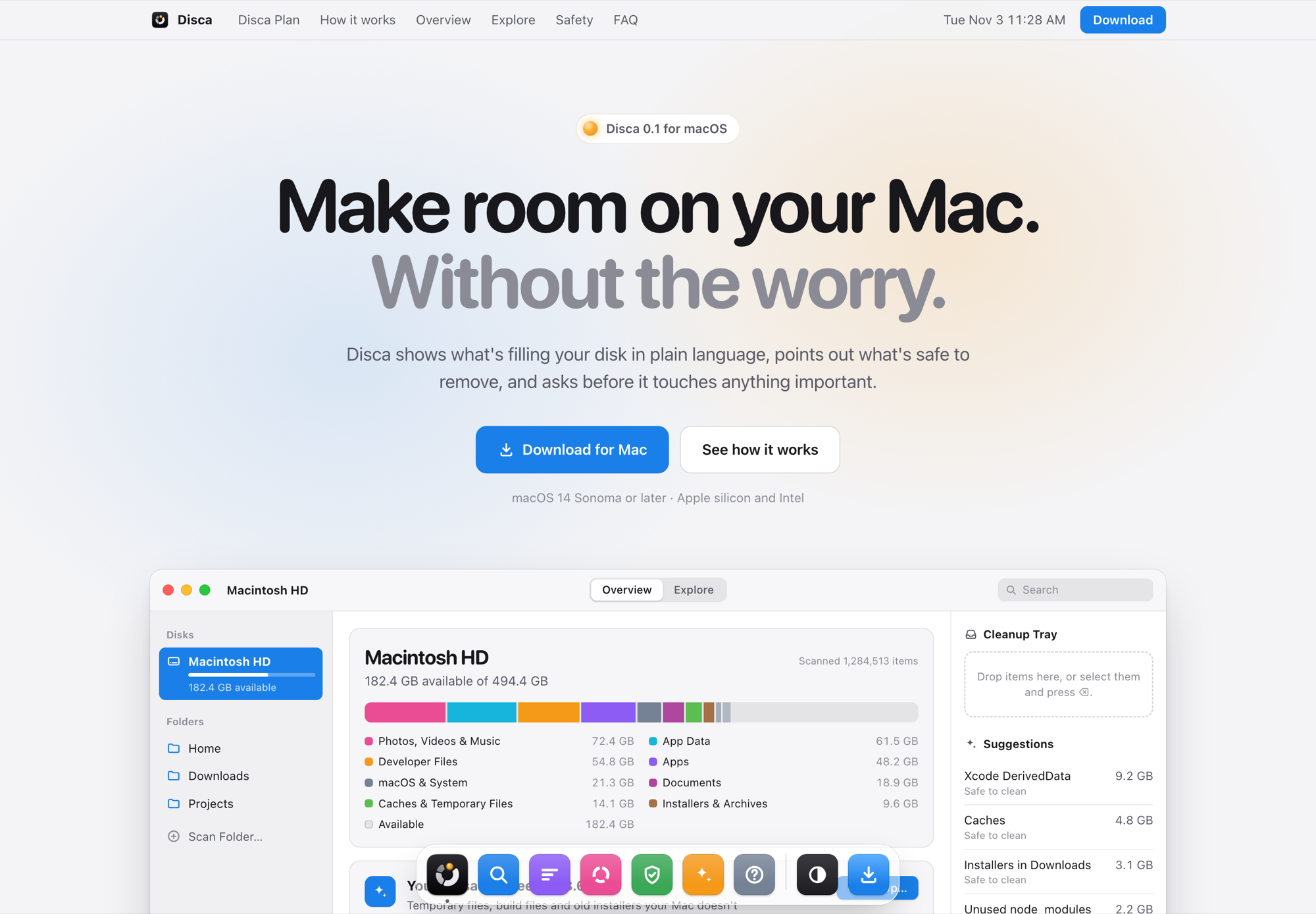
When a Mac runs low on space, finding the big folders is only half the job. You also need to know which ones are safe to delete. Disca shows what is filling the disk in plain language, rates everything by how safe it is to remove, and asks before it touches anything important.
What it does
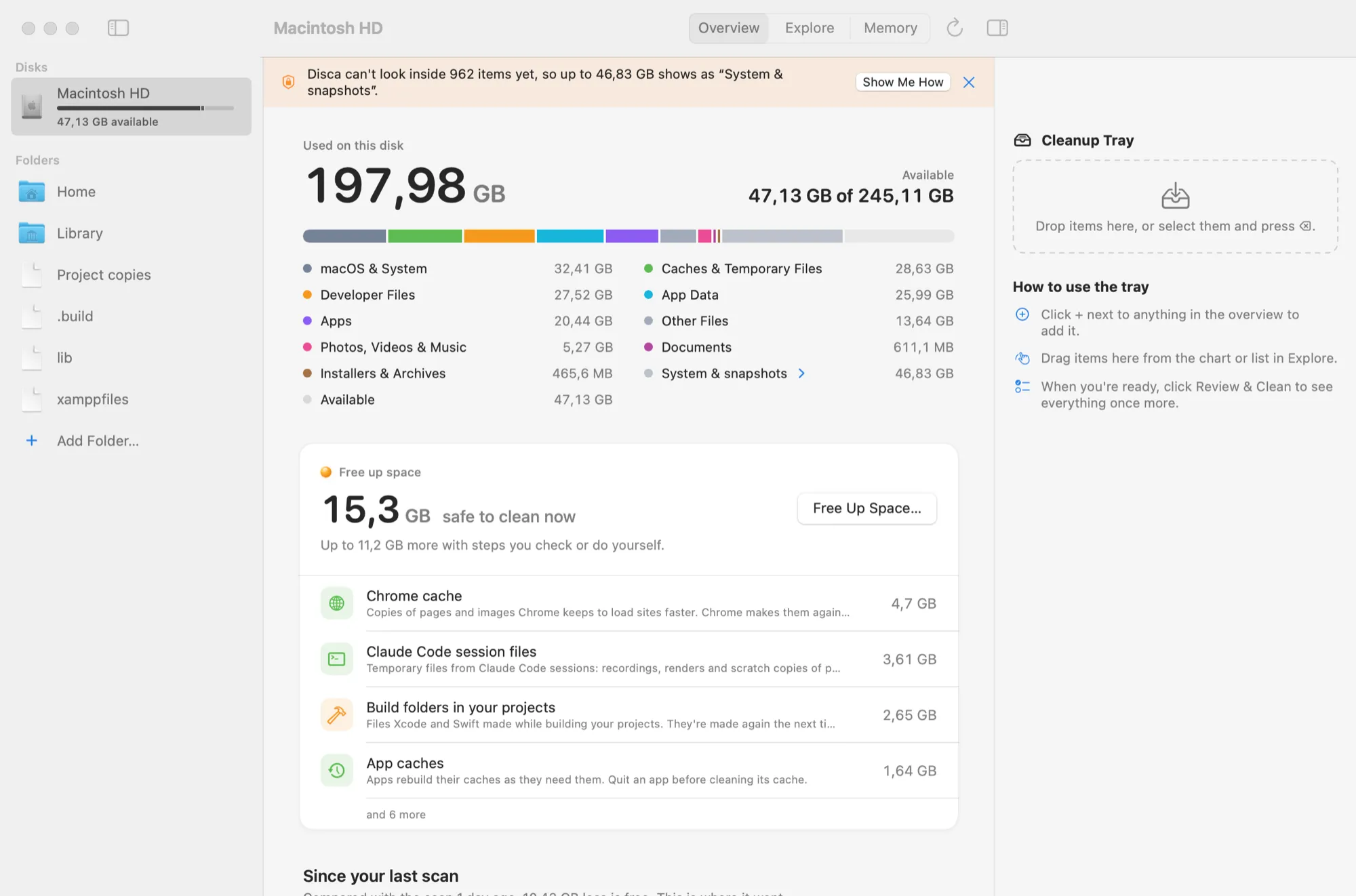
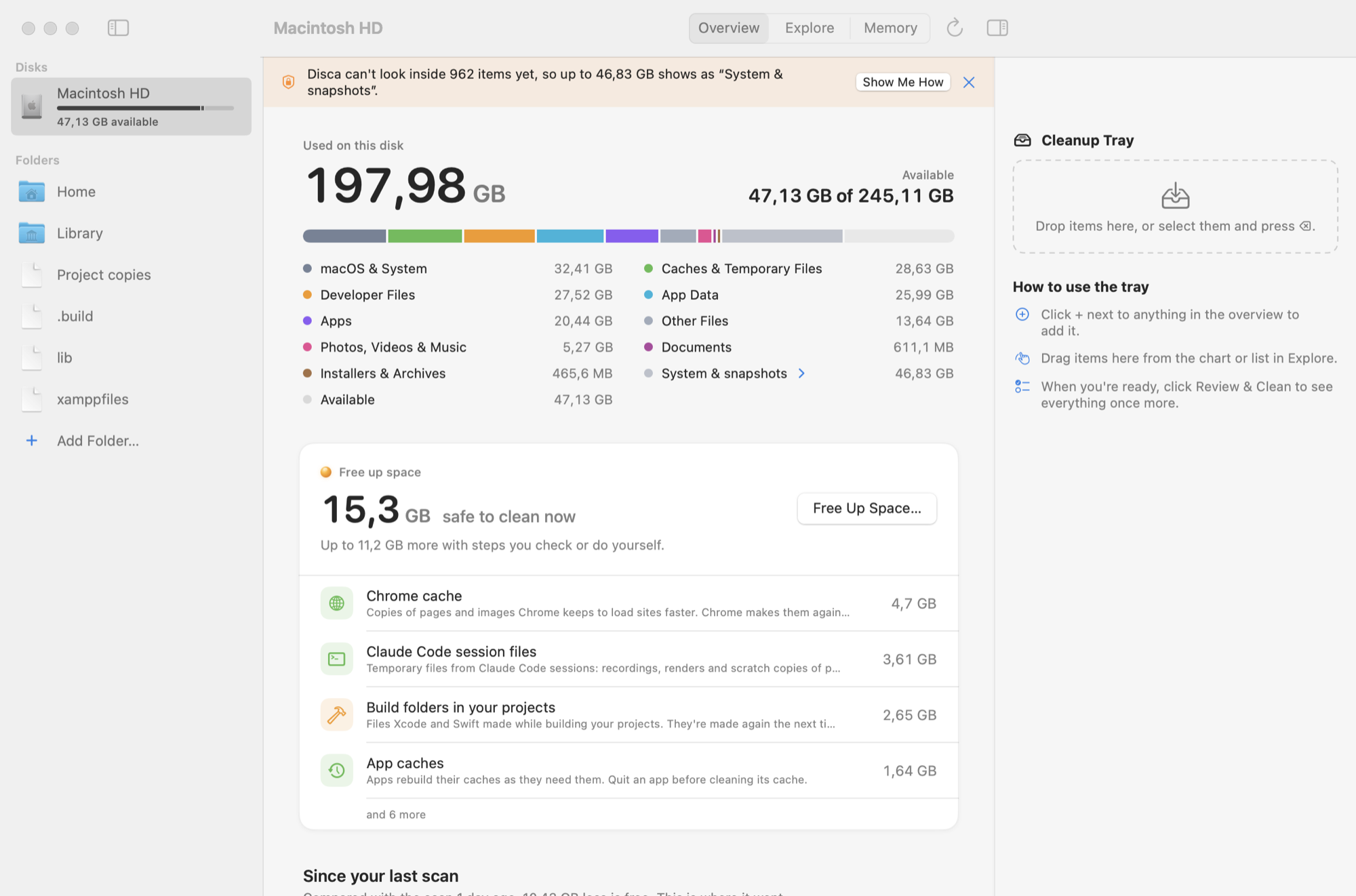
An overview in plain language, with a storage bar and how much you can safely free up.
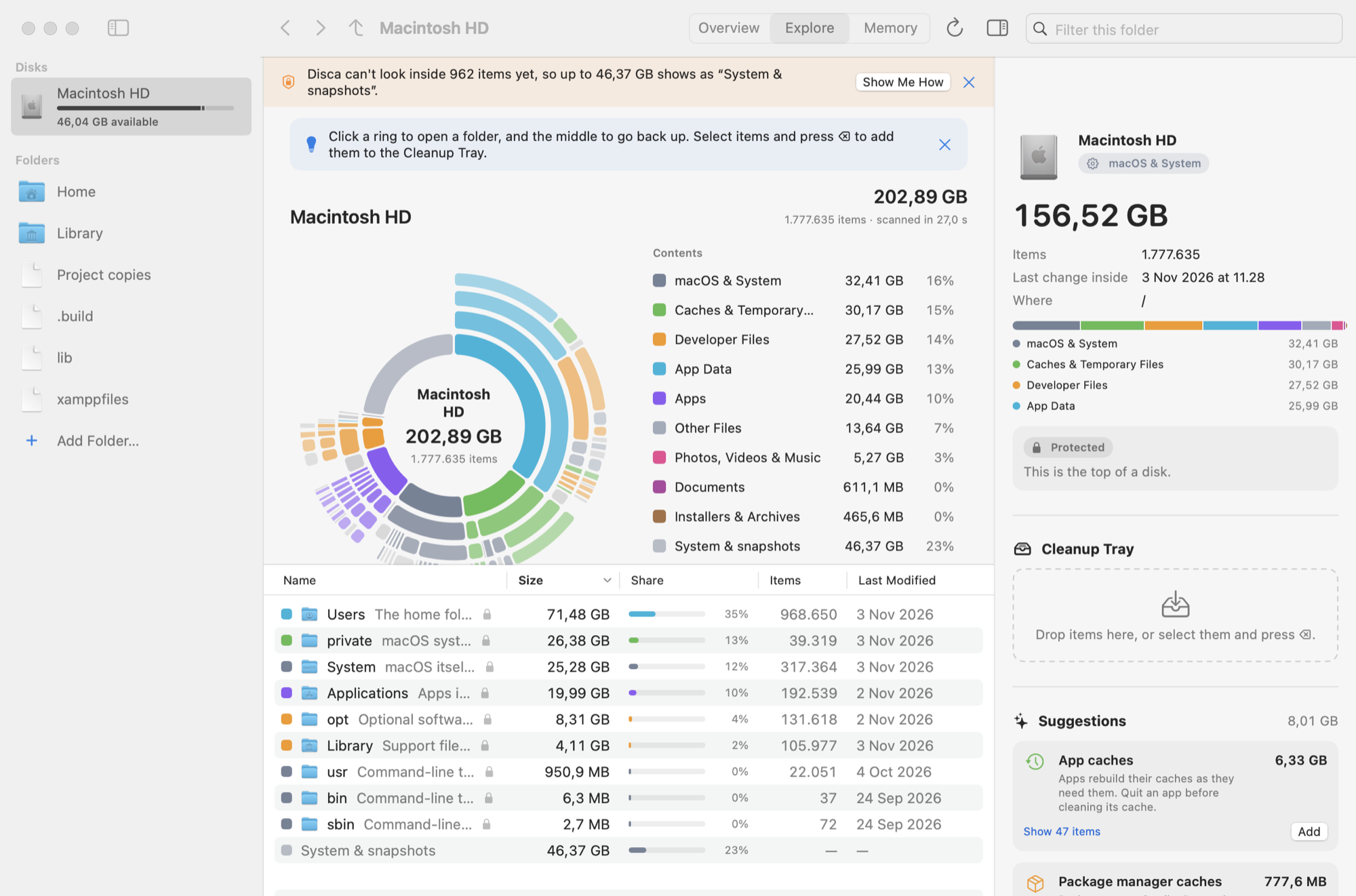
Explore as a donut chart. Click a segment to go into that folder.
Cleanup suggestions, from app caches and old build data to forgotten installers.
A review before anything goes. Nothing is removed until you’ve checked the list.